Spreadsheets vs Scheduling Platforms Compared
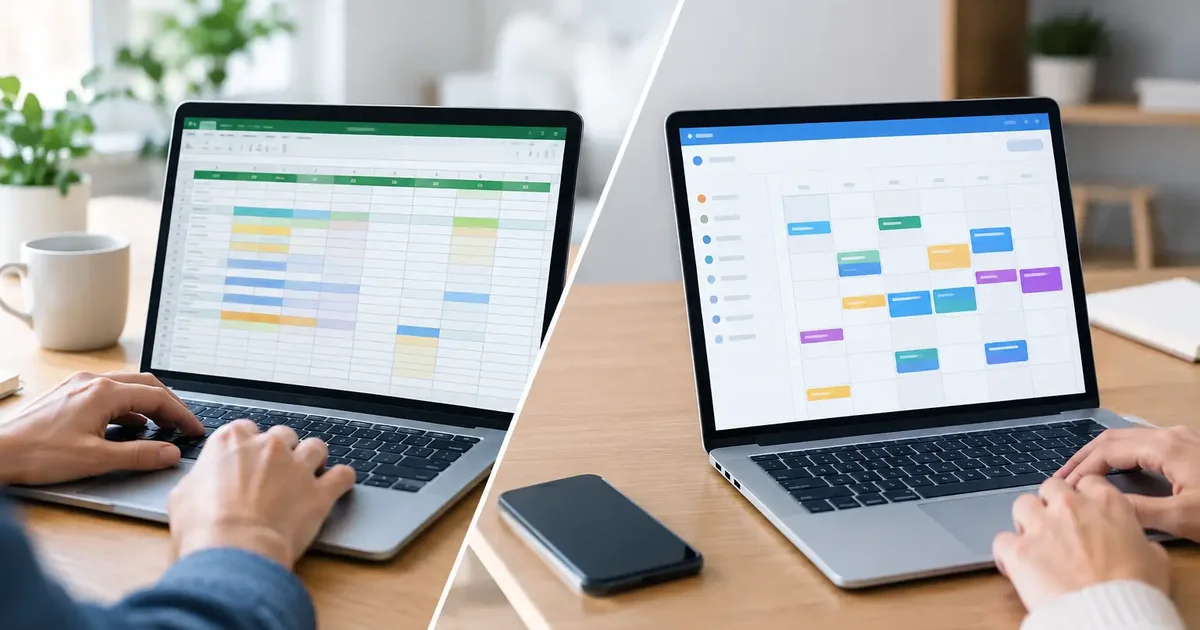
Spreadsheets vs Scheduling Platforms Compared
A schedule can look finished in a spreadsheet and still fail the operation by Tuesday morning. The missing cashier is not obvious until the opening shift starts. A clinic discovers that two people with the required certification were never assigned. A security supervisor learns an overnight guard is booked for a double shift after an approved absence was buried in an email.
That is the real question behind spreadsheets vs scheduling platforms. It is not whether a grid is familiar or whether software has more features. It is whether your scheduling process can reliably turn staffing requirements, employee constraints, and changing conditions into coverage people can act on.
Why the spreadsheet debate is really about decisions
A spreadsheet is a flexible document. For a small, stable team, that flexibility is useful. A restaurant owner can list five servers, a few shifts, and a weekend rota in minutes. A manager can change a cell, print the page, and move on.
But a shift schedule is more than a table. It is a set of decisions that must hold together: who is qualified, who is available, how many people are needed, what labor rules apply, which shifts are difficult to fill, and whether work is distributed fairly. The more of those decisions a manager has to remember outside the sheet, the less the spreadsheet is actually managing.
This distinction matters most in customer-facing, safety-sensitive, and continuously operating teams. A warehouse cannot treat forklift certification as a note in a cell. A clinic cannot rely on someone remembering that every treatment shift needs the right licensed coverage. A guard company needs to account for posts, site requirements, rest periods, and last-minute callouts at the same time.
Where spreadsheets still work
Spreadsheets are not automatically the wrong choice. They work well when the operation is genuinely simple: a small team, predictable hours, few roles, little turnover, and no meaningful compliance or skills constraints. They are also useful for one-off planning, budget models, and reviewing historical labor patterns.
Their advantage is immediate control. Managers can see every edit, build a custom layout, and avoid a new system rollout. If one person owns the schedule and the team changes infrequently, the overhead of a dedicated platform may not yet be justified.
The limitation is that spreadsheets depend on human memory and manual checking. The schedule may be correct because an experienced manager knows everyone’s availability, certifications, preferences, and informal agreements. That can work until that manager is absent, the team grows, or the number of exceptions rises.
A spreadsheet does not inherently know that Jordan cannot work after 6 p.m., that Kim needs two days between overnight shifts, or that only three people can cover a particular role. Those facts may exist in tabs, comments, text messages, or the manager’s head. They are not active rules unless someone checks them every time.
Spreadsheets vs scheduling platforms: the operational difference
The central difference is not presentation. Both tools can show names against days and shifts. The difference is whether the system understands the conditions behind the assignment.
A scheduling platform stores the operating model: people, roles, skills, positions, locations, shift templates, availability, preferences, coverage requirements, and rules. Instead of asking a manager to manually inspect every conflict, it can validate assignments against that model.
That changes routine scheduling work in practical ways. A manager can see an understaffed Friday dinner service before publishing. A logistics lead can identify which open shifts require a specific skill. A clinic coordinator can distinguish a true coverage gap from a shift that has headcount but lacks the necessary credentials.
Platforms also create a single operational record. When an employee requests time off, swaps a shift, or updates availability, the change does not need to be copied from a message into a spreadsheet and then announced in another channel. The schedule, the request, and the resulting decision stay connected.
That does not mean software eliminates judgment. Good scheduling still requires a manager to decide how to balance seniority, employee preferences, customer demand, cost, continuity, and fairness. The platform should make those trade-offs visible, not quietly make them on the manager’s behalf.
The hidden cost of a “free” spreadsheet
A spreadsheet license may cost little or nothing. The scheduling process around it can be expensive.
Start with manager time. If a supervisor spends several hours each week collecting availability, reconciling requests, rebuilding a schedule after changes, and answering "When am I working?" messages, that is labor that cannot go toward training, service quality, safety, or coaching.
Then consider the cost of errors. An uncovered shift creates overtime, rushed replacement calls, lost sales, delayed service, or a manager working the floor. An unfair rotation can damage retention. A missed staffing requirement may create a compliance exposure that is far more expensive than the scheduling tool that could have flagged it.
There is also a visibility cost. In a spreadsheet process, leaders often cannot answer basic questions quickly: Which locations are consistently understaffed? Who carries the most undesirable shifts? How often do schedules change after publication? Are absences concentrated on certain days or roles? Data may exist, but it is rarely structured for action.
The point is not that every manual edit is bad. It is that manual coordination becomes fragile when the number of people, rules, and changes exceeds what one person can reliably track.
Signs your team has outgrown manual scheduling
The transition point usually appears before leaders name it. Managers are creating multiple spreadsheet versions because they do not trust the latest one. Employees are texting availability to different supervisors. Rules are being enforced inconsistently because they live in conversation rather than in the scheduling process.
Other signs are more measurable. You may be ready for a platform when schedules take hours to build or rework each week, when last-minute gaps are common, when qualified coverage is hard to verify, or when employees regularly dispute assignments because there is no visible record of requests and changes.
Growth accelerates the problem. Adding ten employees does not simply add ten names to a sheet. It adds availability patterns, training records, preferences, absences, and more possible assignment combinations. Adding locations and roles compounds the complexity again.
For experienced workforce leaders, the threshold may be compliance, reporting, or integration needs. For newer managers, it may be the need to turn a verbal description of operations into a usable structure without spending weeks configuring forms and templates. Both needs point to the same requirement: a system that models the operation before it generates the schedule.
What to expect from a scheduling platform
The strongest platforms do not treat setup as a database exercise. They help a manager define what must be true for a schedule to work, then show that interpretation for review.
For example, a restaurant manager might describe the team: three front-of-house roles, two kitchen stations, lunch and dinner shifts, a minimum number of people per service, and a rule that trained closers rotate fairly. The system should turn that description into visible roles, people, shifts, coverage targets, and rules. The manager should be able to correct the structure before any schedule is published.
That visibility is critical when AI is involved. AI can speed up setup and propose schedules, but it should not be an opaque layer that asks for blind trust. A manager needs to see the data the system understood, the constraints it applied, open gaps it could not solve, and every material change after publication.
WeekEye is built around this approach: a manager can describe the operation in plain language or bring in an existing schedule, review the structured model that is created, validate the rules, and generate a schedule with gaps and conflicts visible. The value is not a prettier calendar. It is a scheduling process that can be reviewed, corrected, and operated day after day.
How to move without losing control
Moving off a spreadsheet should not begin with a wholesale cleanup project. Begin with the next recurring schedule and the information that affects real staffing decisions. Define roles, people, standard shifts, required coverage, skills, availability, and the handful of rules that cannot be broken.
Start with one location, department, or scheduling cycle if the organization is large. Compare the platform-generated draft with the manager’s existing schedule. Where the results differ, ask why. Sometimes the platform reveals a rule that was not documented. Sometimes the manager identifies an operational reality that needs to be modeled more clearly. That review is how the system becomes trustworthy.
Keep decision authority with the people accountable for service and staffing. Automation should reduce repetitive coordination and surface trade-offs early. It should not prevent a manager from making an informed exception for a trusted employee, a special event, or an unusual demand pattern.
The best time to change is not after a scheduling failure becomes normal. It is when your team can still translate its working knowledge into clear rules, give managers a reviewable schedule, and make every published shift easier to trust.
Sources
Build your own schedule from one sentence
Describe your team and Weekeye drafts the roles, the shifts and a fair weekly rota — free, no sign-up.
Try it free: bring your existing schedule into WeekEye